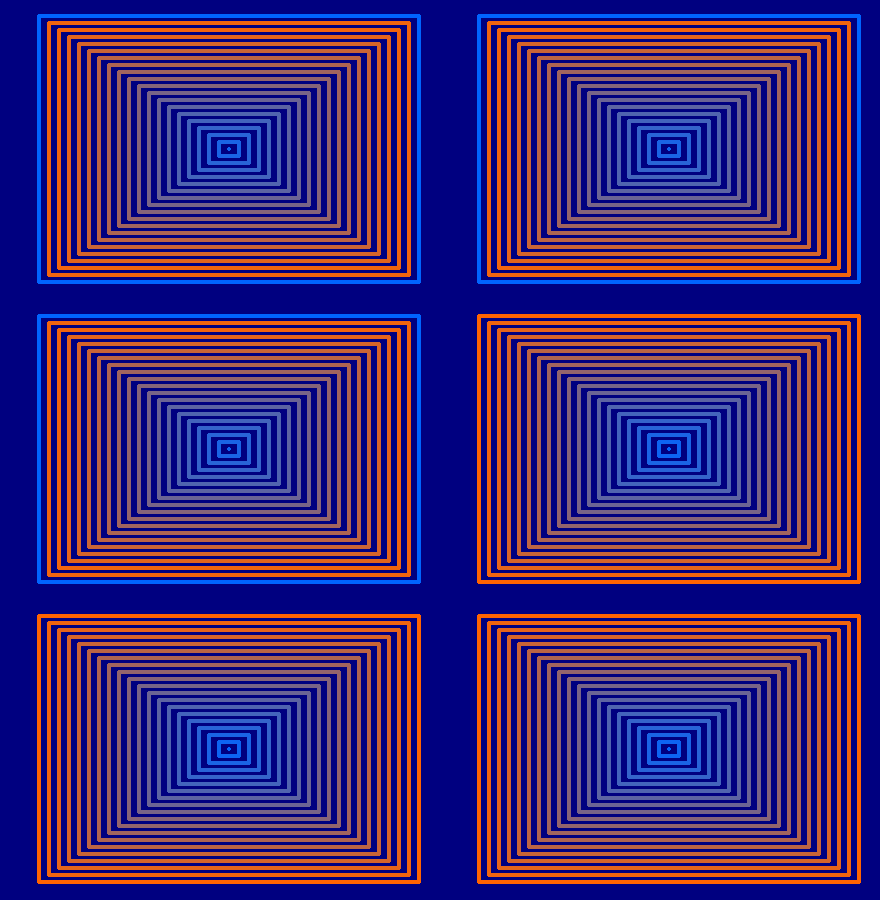
This is a ( poorly thought out) suggested task on Rosetta Code.
Draw at least 20 rectangles with a common center. None of the rectangles must touch or intersect any other rectangle.
Animate the colours of the rectangles by fading in the colour from the outermost rectangle to the innermost.
The animation loop can continue for a definite number of iterations or forever.
Gave me a couple of happy hours of coding to get this. The code runs in real time at about this speed, but I included code to save each step as a BMP, then stitched them into the animated GIFs shown here. ( Could have done this in code, but easier just to use ImageMagick from the command line)
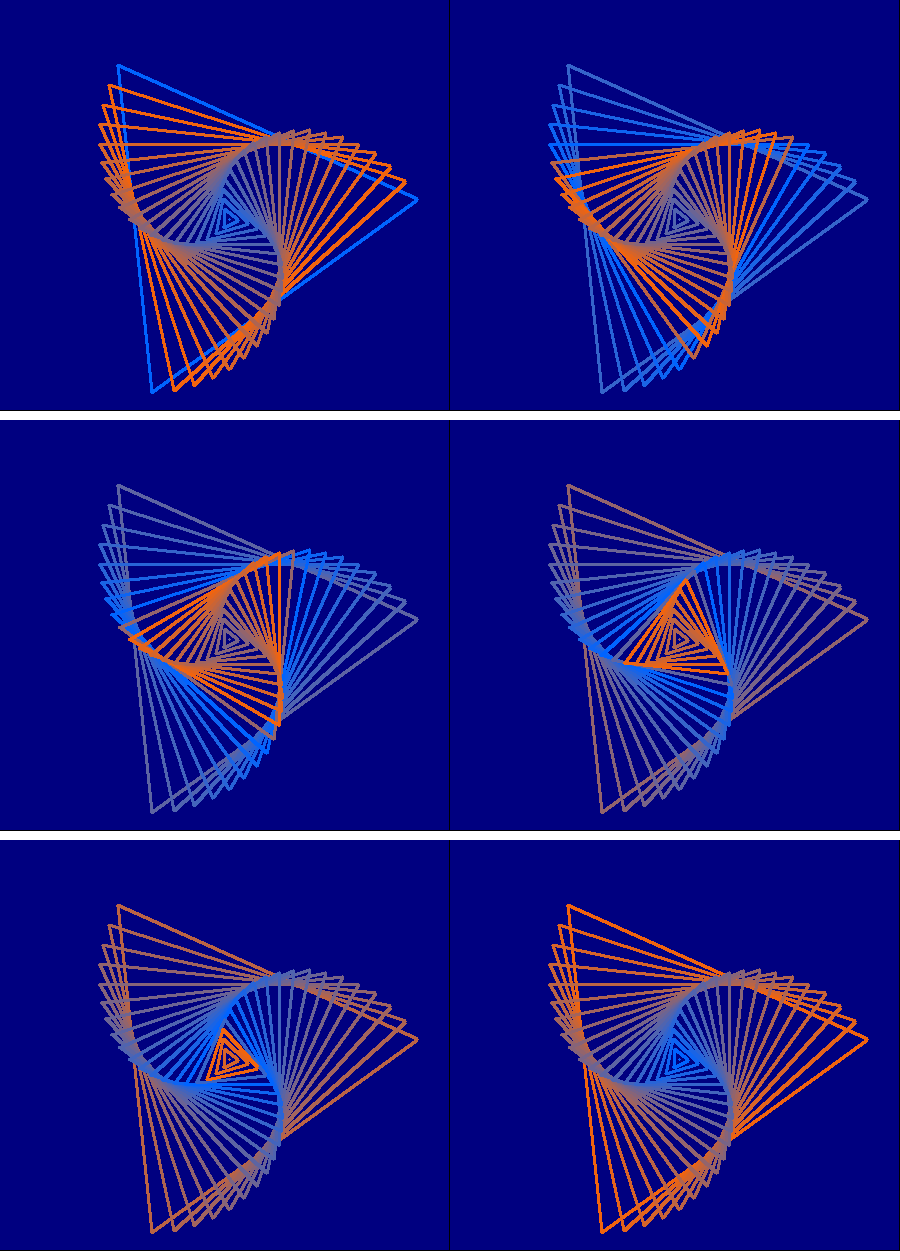
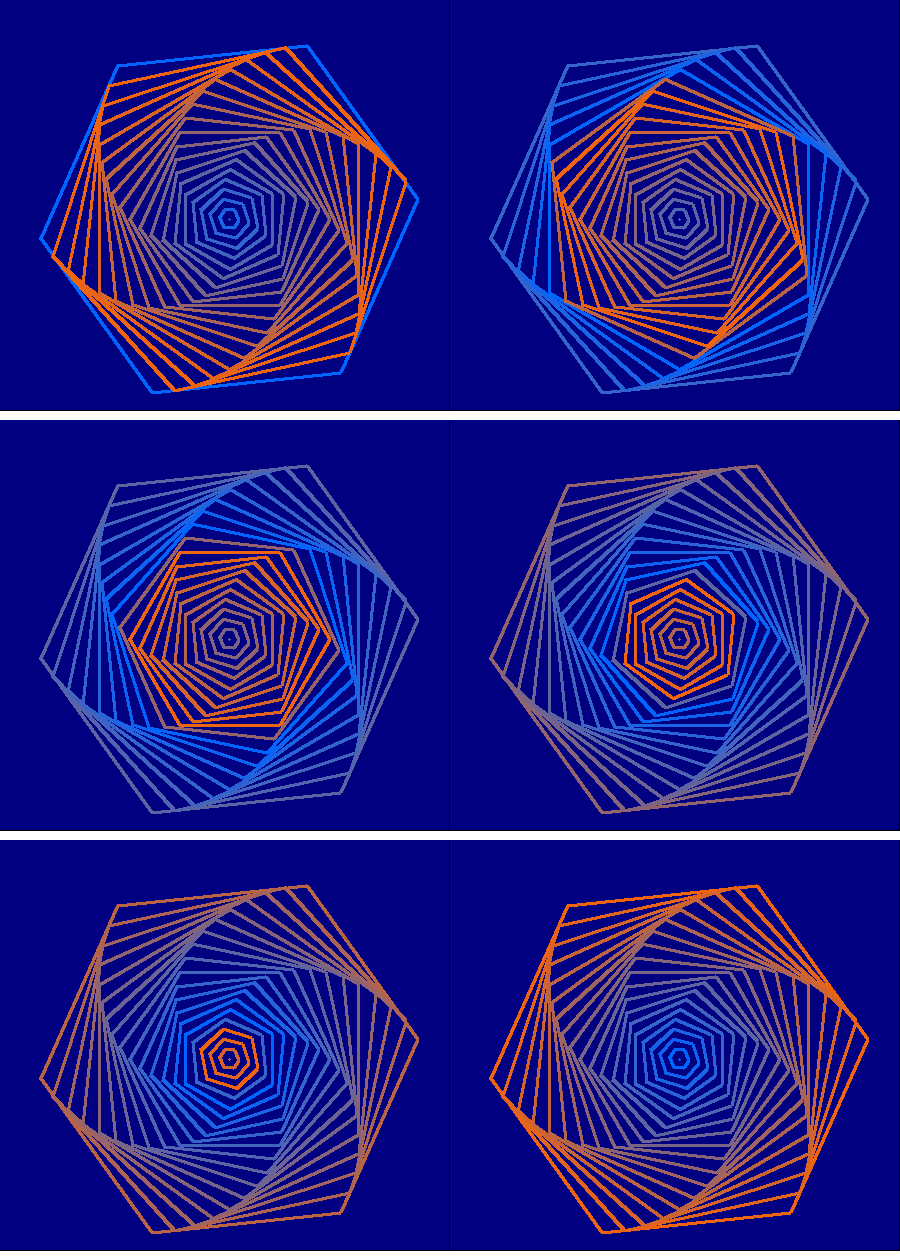
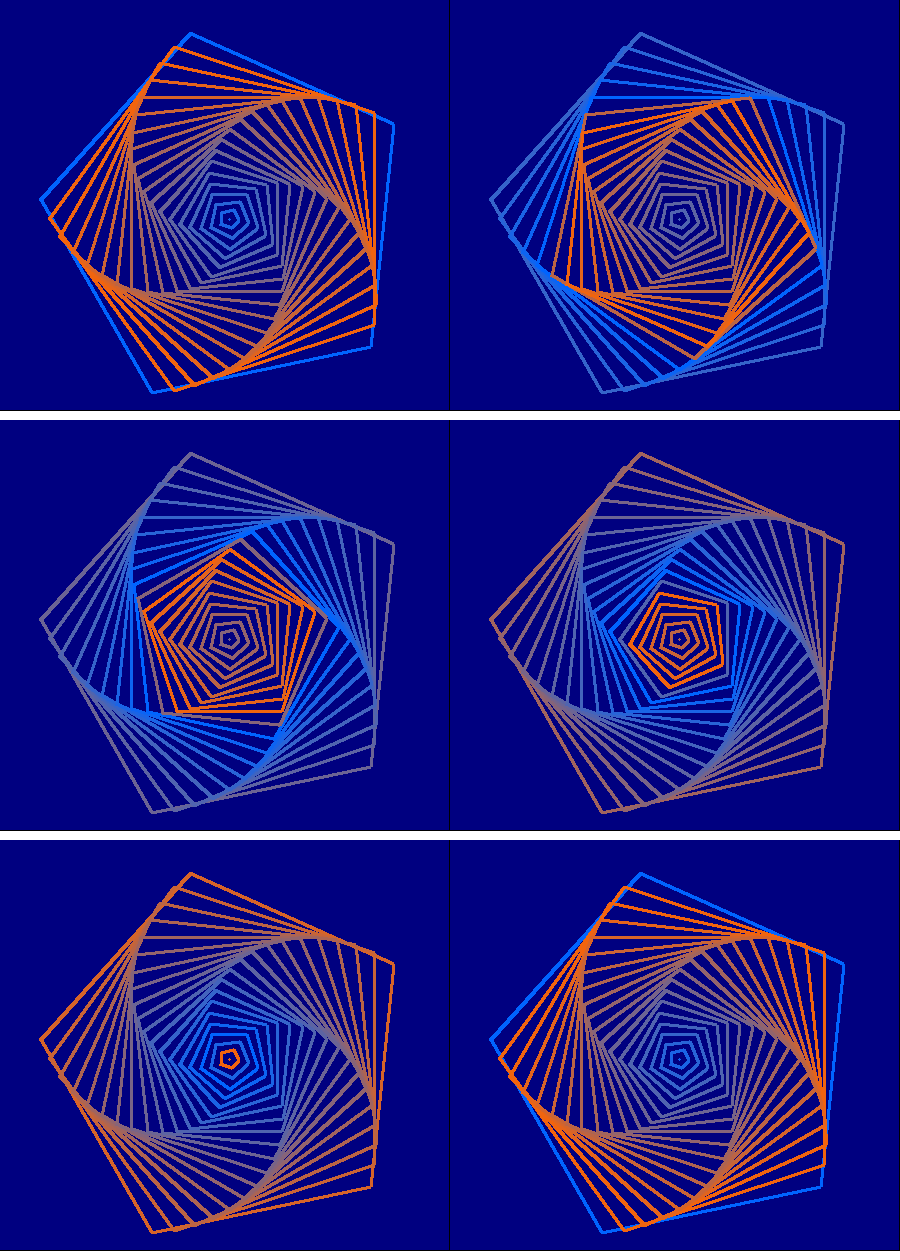
Anyone up for trying it out? Once you've got it working there are all sorts of variations to try- say triangles, or rotating each of the nested shapes, or different colour sequences... a few are included here.
 -
-
 -
-
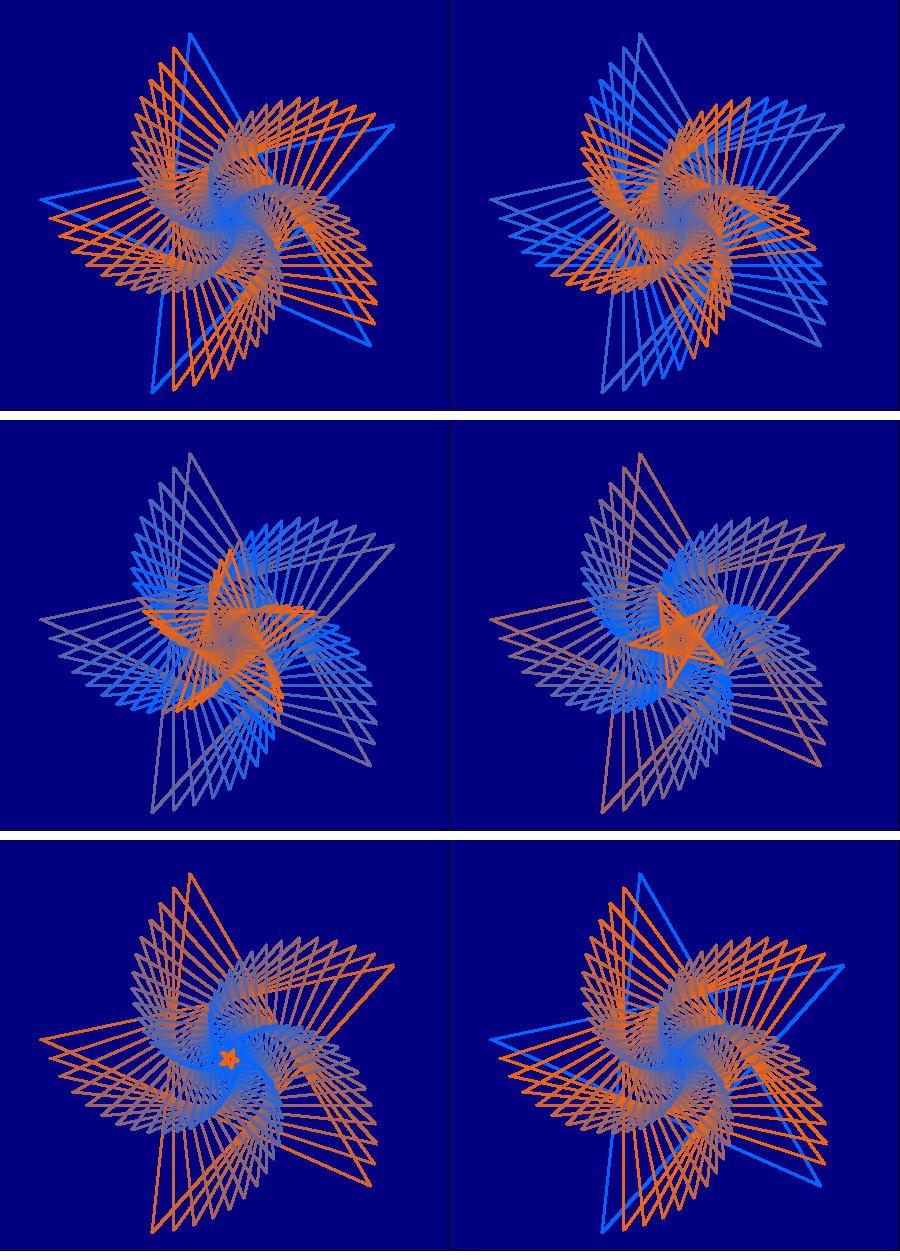
    '   http://rosettacode.org/wiki/Vibrating_rectangles

    '   Draw at least 20 rectangles with a common center, to be more precise, the circumcenter of all the rectangles must coincide. None of the rectangles must touch or intersect any other rectangle.
    '       Animate the colours of the rectangles by fading in the colour from the outermost rectangle to the innermost.
    '       The animation loop can continue for a definite number of iterations or forever.


    nomainwin

    WindowWidth  =460
    WindowHeight =440

    open "Pentangles.." for graphics_nsb as #wg

    #wg "trapclose quit"

    #wg "size 3 ; fill darkblue"

    dim boxCol$( 20)

    for i =0 to 19  '   Create 20 rectangles in a colour sequence which is stored..
        R           =int( i *255 /19)
        G           =100
        B           =255 -R
        C$          =str$( R) +" " +str$( G) +" " +str$( B)
        boxCol$( i) =C$
        #wg "color "; C$
        call hex, i , i *6
    next i

    for animation =1 to 100

        for i =19 to 0 step -1  '   redraw the set with the colour chosen displaced by 1 from previous...
            s =( i +animation) mod 20
            select case s
                case 19
                    #wg "color "; boxCol$( i)
                case else
                    #wg "color "; boxCol$( s)
            end select

            call hex, i, i *6
            scan
        next i

        #wg "getbmp scr 1 1 450 420"
        bmpsave "scr", "pentangle" +right$( "000" +str$( animation), 3) +".bmp"
        #wg "cls"
        #wg "drawbmp scr 1 1"
timer 500, [o]
wait
[o]
timer 0


    next animation

    wait

    sub quit j$
        close #j$
        end
    end sub

    sub hex i, a    '   i is side length, a is angular offset in degrees
        #wg "up"
        #wg "goto "; 230 +10 *i *cosRad( 0 -a); " "; 220 -10 *i *sinRad( 0 -a)
        #wg "down"

        for k =1 to 5
            #wg "goto "; 230 +10 *i *cosRad( k *144 -a); " "; 220 -10 *i *sinRad( k *144 -a)
        next k
    end sub

    function sinRad( t)
        sinRad =sin( t *3.14159265 /180)
    end function

    function cosRad( t)
        cosRad =cos( t *3.14159265 /180)
    end function